

Everything Higgins does for your house.
One record of what you own, a plan for what's coming, and someone to ask. Free to use.
Ask about anything in the house.
Higgins answers from your own record, not from a search engine. It knows what you own, how old it is and what's coming, and it shows you where each answer came from.
- Every answer cites the item, document or date it came from.
- When it doesn't know, it says so instead of guessing.
- It can't approve a charge or promise that work will get done. Those stay with you.

Every appliance, with its paperwork attached.
Each item keeps its model, serial number, age, warranty, manual, recall status and service history. Look room by room, or search the whole house at once.
- Rooms show you what's in the kitchen, the garage or the laundry.
- Everything search finds any item or document in a second.
- Service history stays with the item, not in someone's inbox.
You don't type your house into a form.
Use whichever way is easiest. Anything Higgins isn't sure about waits for you to confirm or correct.
Photograph a label
Higgins shows you where the tag usually is, then reads brand, model, serial and age off it.
Walk a room
Move the camera slowly around a room and it picks out what it can see.
Drop in paperwork
Receipts, warranties and inspection reports are read and filed. Anything uncertain waits for you.
Start on a laptop
Scan a code to hand the camera step to your phone. What you capture shows up back on your computer.
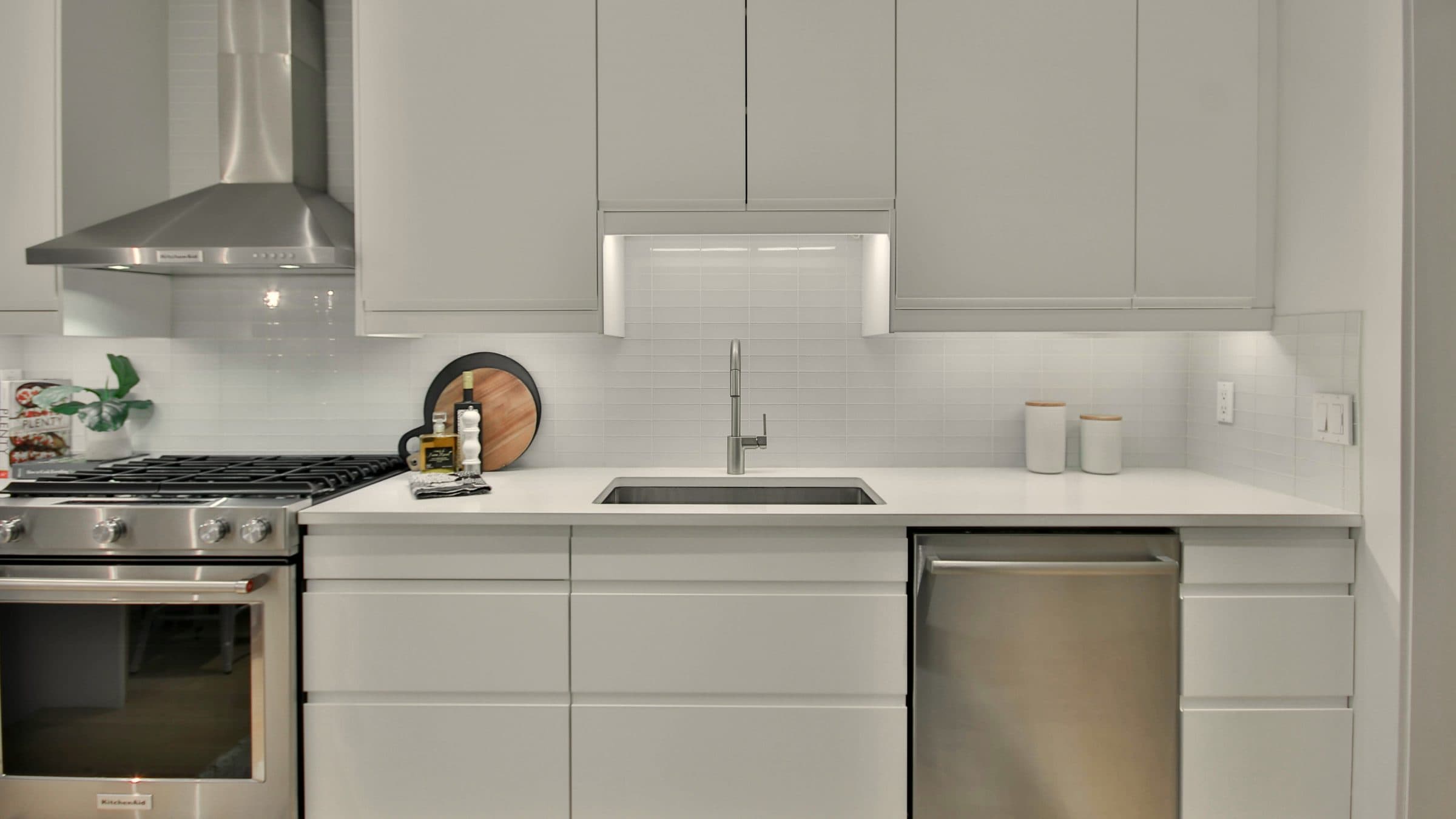
If something you own is recalled, you'll hear it plainly.
Every model Higgins reads is checked against recalls published by the U.S. Consumer Product Safety Commission. If one applies, you get plain steps to follow and the free fix.
A unit nobody has checked is never called clear.
Recall alerts are always on. You can't turn them off by accident.
What's likely next, and roughly what it costs.
Worked out from your actual equipment and its age, not a generic checklist. Each item comes with a cost range and rough timing.
- Estimates, not quotes.
- Nothing is booked. You decide what happens, and when.
- Every item has a "Why?" that shows the reasoning behind it.
The small jobs, each on its own clock.
Rinse the dishwasher filter. Change the furnace filter. Each reminder runs on its own cycle, so you know what's due before it's overdue. Mark one done and the clock starts again.
- Order filters and other supplies through Higgins when you choose to.
- Supplies are the only thing you pay for, and only what you order.
- Nothing is ordered without you saying so.
Keep your own plumber. Give them the history.
Pick exactly what they see, and they get it read only. They show up already knowing the model, the age and what's been done.
- Access for 7 days, 30 days, or until you stop.
- Read only. They can't change your record.
- They never see your finances, or anything you didn't pick.

Nothing is charged until you've seen every line.
When a pro sends a charge, it comes to you line by line. Approve it, ask a question, or decline. Higgins can't spend your money.
- You're charged only after the work is done.
- Ask about any line before you decide.
- Decline, and nothing is charged.
Let the right people in, at the right level.
Invite family or a caretaker. Each person gets one of three choices.
See everything
Read the whole record without changing anything.
See and add
Read the record, and add items, photos and documents to it.
Everything you can
The same access you have, including payments and inviting others.

What the house has cost, without a spreadsheet.
Spending by category, taken from the paperwork you already have. Improvements are tracked separately from repairs. A new roof or a remodel can raise your cost basis, which can lower the taxable gain when you sell.
- Every figure links to the document it came from.
- Warranty coverage sits with the equipment, so you can check it before paying for a repair.
- Home value is an estimate, not an appraisal.
Higgins isn't tax advice. Check with your tax advisor before you rely on it.
Every house you look after, in one account.
Switch in one tap
Keep several homes under one account and move between them in one tap.
Each keeps its own record
Items, documents and history stay with the house they belong to. Nothing bleeds across.
Its own people and calendar
Who has access, local contacts and dates are set for each home on its own.